Turn Your Own Photos Into Instagram and Facebook Posts
How to pick, crop, caption and sequence photos you already have into posts that look consistent: sizes, carousels, alt text and what to leave out.
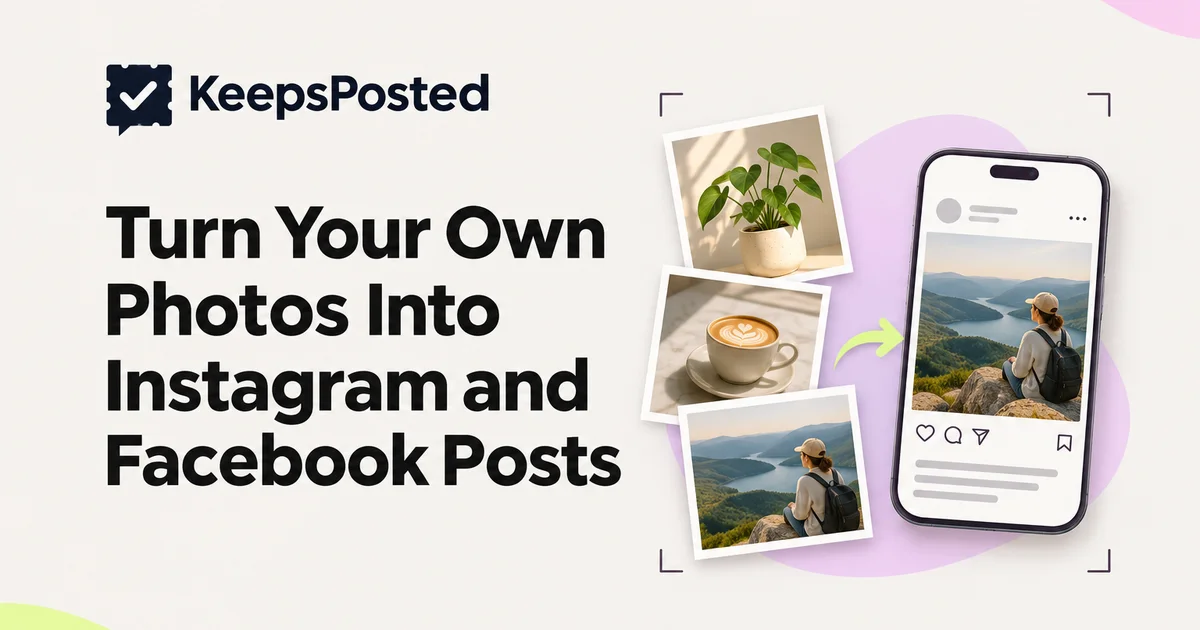
A photo is not a post until it has a job. The job might be to show a new item, answer a question or tell people you are open. Once you decide the job, the crop, caption and alt text mostly follow.
This guide walks through choosing photos, current sizes and crops, carousels, alt text, turning one photo into several posts, and the privacy checks to run before anything goes live. It ends with a worksheet you can copy.
The short answer
Pick photos that show one clear thing
One subject, good light, nothing in the background you would not want customers to see.
Give each photo a job
New item, answer, notice, people, process. A photo with no job becomes a post with no point.
Crop for the feed once, then keep it consistent
Use the same ratio for most posts so the grid looks calm. 4:5 portrait is widely used. Check the preview in the app before you post.
Write the caption and the alt text separately
The caption says what you want people to do. The alt text says what is in the photo.
Run the do-not-post check
Faces, screens, prices, staff and anything private.
Choose photos that carry a post
From a week of photos, you only need the few that can explain themselves in a small square on a phone screen.
A photo is worth posting if
- You can say what it shows in one sentence.
- The subject fills at least a third of the frame.
- It is in focus where it matters (the product, the hands, the face you have permission to show).
- The light is natural or even, not a flash glare on a counter.
- Nothing private or off-brand is readable in the background.
- It is a true picture of what customers get. Heavy editing that changes a portion, a colour or a result is a claim you have to stand behind.
Keep the second-best photos too. They become the carousel's later frames.
Sizes and crops now
Instagram changed its grid in 2025. It moved profile thumbnails from square to a taller 3:4 shape, and it began supporting 3:4 photos natively. These changes were reported by trade press in January and May 2025 (we have not been able to read Instagram's own help page, so check the app's crop preview rather than trusting any single pixel size). We do not state a fixed pixel size for 3:4 because we could not confirm one from Meta.
| Shape | Use it for | Watch out for |
|---|---|---|
| Portrait (4:5 or 3:4) | Most feed photos: products, dishes, rooms, people | The profile grid shows a centre crop, so keep the subject centred |
| Square (1:1) | Notices, text cards, tidy product sets | Less screen space than portrait |
| Vertical 9:16 | Reels and Stories | Text near the very top or bottom can be covered by the interface |
- Carousels hold up to 20 images or videos, in any mix, per Meta's developer documentation for the publishing interface. In the app they are the same limit according to trade press from August 2024.
- Scheduling tools that publish through Meta's API have their own rules. Meta's documentation says images must be JPEG, and that every image in a carousel is cropped to the first image's aspect ratio, which defaults to 1:1. If your photos are PNG or HEIC, export them as JPEG first, and put the photo with the crop you want first.
- Facebook is more forgiving on shape, but a portrait photo that works on Instagram is usually fine there too.
Write the alt text
Alt text is a short description of the photo for people who use screen readers, and for anyone whose image does not load. It is not a place for keywords.
- Describe what is in the picture in one or two sentences, plus any text that appears on it.
- Say 'a cinnamon roll on a white plate beside a flat white', not 'best coffee in town'.
- Instagram can generate alt text on its own. You can write your own when posting, under Advanced settings, then accessibility. Menu names vary by phone and app version.
- Meta's publishing interface has supported alt text on image posts since 24 March 2025, so a connected scheduler can set it. It does not apply to Reels or Stories.
Do not claim alt text improves ranking or reach. We found no source that establishes it. Write it for people.
One photo, three posts
A strong photo can be used again, as long as each post has a different job and does not look like a repeat. Space them out by weeks.
| Post | Job | Caption angle |
|---|---|---|
| 1. The photo alone | Introduce the item or place | What it is, price or time, how to get it |
| 2. A carousel with the photo as frame 1 | Show detail | Frames 2 to 5: close-ups, the process, the size, the packaging |
| 3. The photo in a notice or a question post | Answer or remind | A question customers ask, with the photo as proof |
For example, a bakery called Rye and Oak (a made-up example) could post a loaf photo as a new bake, then a four-frame carousel of the slicing and crumb, then a month later a post answering 'do you slice it?'
Faces, screens and consent
Before posting, scan the edges. Look for:
- Customers' faces. Get their agreement or crop them out. Their agreement should be recorded in a way you can find later, such as a text message.
- Staff. Ask first, and ask again if they leave. Do not assume a team member is happy to appear on the account.
- Screens and paper. A till screen, appointment book, patient chart or order slip can show names, phone numbers or card details.
- Children. If you cannot be sure a parent agreed, do not post.
- Prices and stock that will change. If a price in the photo goes out of date, the post will mislead.
Why your own photos matter
Instagram has said it ranks original content above reposts. Trade press reported on 30 April 2026 that the originality rules were extended to photos and carousels, with accounts that mostly post others' content losing recommendation eligibility. We have not read Meta's own announcement, so read it before relying on the details.
Your photos from your own place, with your own products and people, are original by definition. That is a quiet reason to keep a camera handy. It is also why KeepsPosted suggests posts from photos you upload yourself and not from stock imagery.
Keep a photo inbox
Make a phone album called 'Post this' and a shared folder if you have a team. Drop photos in at the moment you take them. Once a week, clear it by posting, saving or deleting.
Photo-to-post worksheet
Copy this for each photo you intend to post.
- Photo type
- Product / dish / room / people / process / place
- Job
- New item / answer / notice / people / process
- Crop
- 4:5 portrait or 1:1 square. Subject centred. Same as last post? Yes / No
- Caption's job
- What do you want someone to do after reading? (book, visit, ask, save)
- Alt text (one sentence)
- [What is in the photo, and any visible text]
- Do-not-post check
- Faces agreed or cropped? Screens or paper readable? Staff agreed? Price still right? File is JPEG if a tool will publish it?
- Where else
- Facebook too? Reuse date: [at least a few weeks later, new job]
Common questions
What size should Instagram photos be?
Portrait photos (4:5 or 3:4) are widely used for feed posts. We could not confirm an official pixel size for 3:4 from Meta, so check the app's crop preview. Meta's publishing documentation requires JPEG for API-published images.
How many photos can go in a carousel?
Up to 20 images or videos, according to Meta's developer documentation.
Do I need alt text?
It is not mandatory, but it makes your posts usable for people with screen readers. Write one or two plain sentences describing the photo.
Sources
- Meta for Developers: Instagram content publishing (JPEG only, carousels up to 20, alt text from 24 Mar 2025) (checked 10 Nov 2026)
- Business Today: Instagram 3-minute Reels and new profile grid (Jan 2025, secondary) (checked Listed from research notes; not re-read on 10 Nov 2026)
- PetaPixel: Instagram adds 3:4 photo support (29 May 2025, secondary) (checked Listed from research notes; page blocked on 10 Nov 2026)
- MobileSyrup: Instagram carousel up to 20 (Aug 2024, secondary) (checked Listed from research notes; not re-read on 10 Nov 2026)
- PetaPixel: new Instagram policies target reposted content (30 Apr 2026, secondary) (checked Listed from research notes; Meta wording not read)
Written by the KeepsPosted editorial team, with AI assistance for drafting and a person reviewing each claim. Platform sizes change often, so confirm in the app. The worksheet is our own suggestion.
Keep reading
What to Post When You Have No Time to Plan Content
Twelve post types you can make from what already happens in your business, a 15-minute weekly routine, and what to skip when the week falls apart.
Write Captions That Sound Like Your Business
Build a one-page voice guide from your own past posts, then use it to write (or check) every caption. Includes a fill-in template and before/after rewrites.
Can You Repost Customer Reviews and Photos? The Rules
When a customer review or photo on your feed becomes a testimonial, what consent you need, and what the FTC and UK rules say. With wording you can copy.